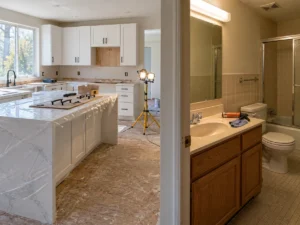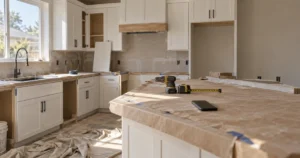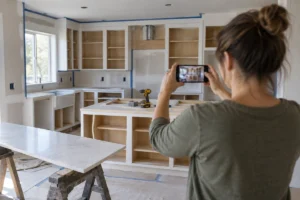
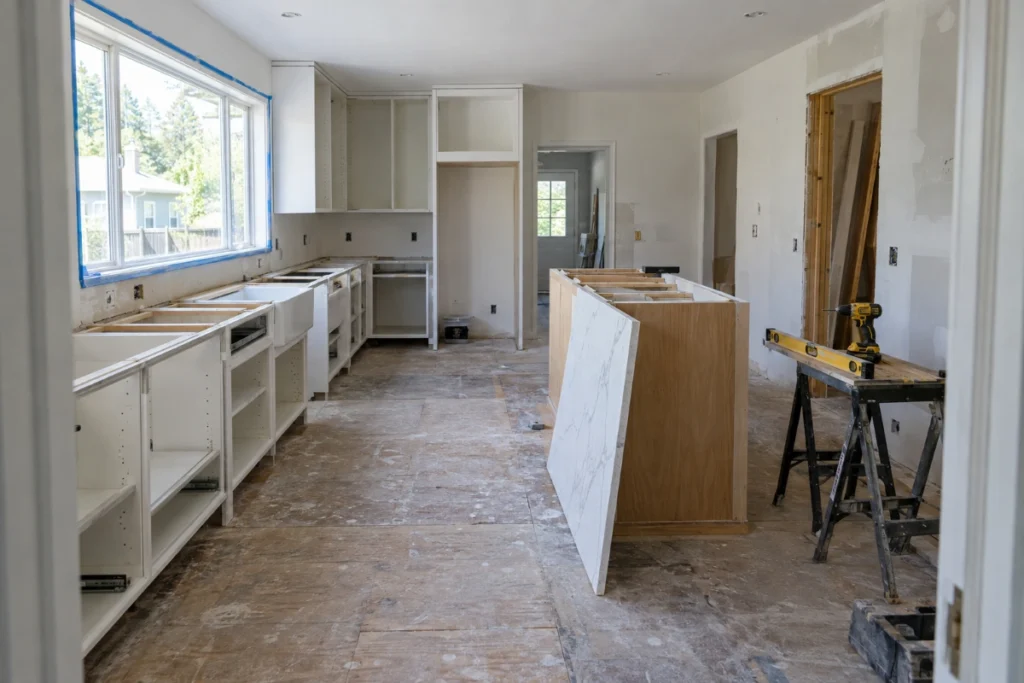
Before and after photos for remodelers sell jobs. That part is settled. What nobody in this industry says out loud is that past a certain point, the size of your gallery and the money it brings in start moving in opposite directions.
I’ve run 87 SEO campaigns for remodeling companies since 2019, across 18 markets. The same thing shows up in audit after audit. A remodeler piles every finished project onto one gallery page, the page gets heavy, and the photos built to sell $75,000 kitchens fill the calendar with homeowners pricing a $20,000 refresh.
More photos isn’t the fix. Fewer photos on more pages is, with the details a buyer is hunting sitting right next to them: what it cost, what went in, what neighborhood it’s in, and what was wrong before you showed up.
The money is there. Harvard’s Joint Center for Housing Studies projects that homeowner spending on improvements and repairs will reach $518 billion by the end of 2026, with year-over-year growth easing from 2.1% mid-year to 1.6% by December. Every one of those jobs starts with somebody looking at pictures of work like yours.

What counts as a before-and-after project page?
A before-and-after project page is a single page for one finished remodel. It pairs matched before and after photos with the details a buyer checks: the room, the scope, the materials, the timeline, the neighborhood, and the cost range. A gallery shows every project at once. A project page ranks, converts, and earns links on its own.
That difference is the whole article. Most remodelers have a gallery. Almost none have project pages.
Here’s what each one can do for you.
| One gallery page | One page per project | |
|---|---|---|
| Keywords it can rank for | 1 | 1 per project |
| Page weight | Every photo loads at once | Photos split across pages |
| What a homeowner finds by searching | “kitchen remodel photos” | “kitchen remodel cost Cherry Creek” |
| Internal links it can send | Usually none | 1 to 2 per page |
| What an AI engine can pull out | A row of images | A described project with cost, materials, and timeline |
| Chance of earning a backlink | Low | A named project is something people link to |
Do before and after photos for remodelers help you rank?
Yes, but not where most remodelers put them first. The fastest return comes from Google, not your website.
Across our client base, a Google Business Profile overhaul lifts map impressions by an average of 340% in the first 90 days. Photos are the biggest single piece of that work. The profile gets categories, services, a real description, and 25 or more geotagged project photos, and the map listing starts showing up for searches it never touched before.
On the website side, Google’s own image SEO documentation is blunt about what it wants. Use short, descriptive file names: my-new-black-kitten.jpg beats IMG00023.JPG. Write alt text that describes the image without stuffing keywords, because Google says keyword-stuffed alt attributes produce “a negative user experience.” Put images near the text that explains them, on pages about that subject.
That last one is why a project page beats a gallery. On a gallery, your photo of a Craftsman kitchen sits next to 40 unrelated thumbnails. On a project page, it sits next to 400 words about that kitchen, in that neighborhood, at that price. Google reads the text around the image to figure out what the image is. Give it something to read.
If your service pages are still running duplicate title tags, fix that before you touch the gallery. We find them on 94% of new-client sites.

The gallery that got too heavy to rank
Here’s the part the photo-tip articles skip. Every image you add costs you load time, and load time costs you rankings.
Google’s threshold for Largest Contentful Paint, the moment the main content of a page shows up, is 2.5 seconds or less, measured at the 75th percentile of page loads across mobile and desktop. Google also says images “are often the largest contributor to overall page size, which can make pages slow and expensive to load.”
Now put those 2 facts against how remodelers build galleries. Every project, full resolution, one page, no lazy loading.
We run a technical audit on every new client before we write a word of content. Here’s what 87 of those audits turned up.
| What we find on new-client remodeling sites | How often |
|---|---|
| Duplicate or missing title tags on service pages | 94% |
| No schema markup anywhere on the site | 68% |
| Mobile page-speed score under 40 | 41% |
That 41% is the number I’d tattoo on a remodeler’s forehead. 4 in 10 remodeling websites are already too slow on a phone, and the gallery is usually why. Adding 60 more photos to that page doesn’t win you more work. It buries the page you were trying to rank.
The fix is boring and it works. Split the projects onto their own pages. Compress the files. Lazy-load anything below the fold. Set width and height on every image so the layout stops jumping. Nobody needs a 4MB photo of a backsplash.

Why we load 25 photos to Google before we touch the website
In weeks 2 and 3 of every campaign, before we rewrite a single service page, we rebuild the Google Business Profile. Part of that is uploading 25 or more geotagged project photos.
We sequence it that way on purpose. The Map Pack delivers the fastest early wins in this business. A remodeler can wait 4 to 6 months for a competitive organic ranking, but the map listing can start producing calls much sooner, and photos are something you can fix the same day.
Google keeps its photo requirements simple: JPG or PNG, between 10 KB and 5 MB, at least 250 by 250 pixels, 720 by 720 recommended. Photos should be “in focus and well lit, and have no significant alterations or excessive use of filters.” Google’s line is that “the image should represent reality.”
Read that last part again, because it’s the argument against the heavily edited hero shot. The homeowner standing in your finished kitchen should recognize the photo. Most remodelers show up with 3 photos and a one-line description. That’s the gap.
What happened when one remodeler cut his gallery down
A Pacific Northwest kitchen remodeler came to us doing $75,000 to $150,000 projects with a website that looked like every $20,000 kitchen shop in his market. Same stock-style gallery. No prices. No materials. No context.
He was getting leads. 70% of them were budget shoppers.
We rebuilt the site around what his actual buyer needed to see: detailed project pages with material specs and real cost ranges, content on what a $100,000 kitchen includes, and review requests aimed at clients who talked about dollar amounts.
Lead volume went down. 15 a month to 11.
Qualified leads went from 30% of inquiries to 72%. Close rate went from 12% to 34%. Average project value on closed organic leads landed at $94,000. Monthly revenue from organic leads went from $54,000 to $352,000.
The hardest part of that engagement wasn’t the build. It was 3 months of the owner asking why his lead count dropped while I showed him the close-rate data. Fewer, better leads is a hard sell until the deposits clear.
Results vary by market, competition, and client engagement. Past performance does not guarantee identical future results.
This is the case against the big gallery in one client. A gallery with no costs and no materials is an open invitation to every price shopper in the county. The 2026 Houzz & Home study, which surveyed 20,358 people including 10,176 renovating US homeowners, put median renovation spend at $20,000 for 2025. If your gallery says nothing about price, that’s the customer it attracts by default.
How many photos does one project need?
Enough to answer the questions a homeowner asks on a walkthrough, and no more.
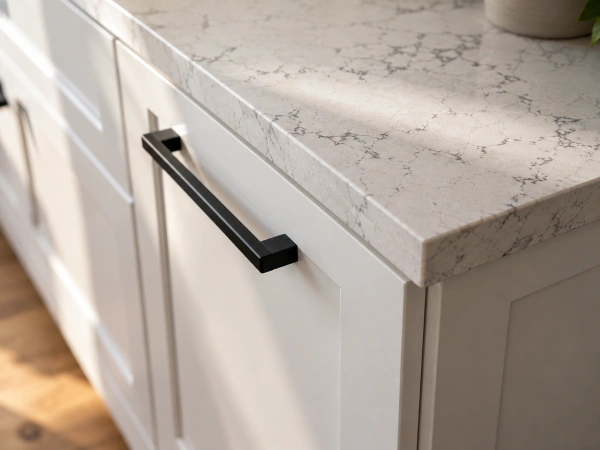
One matched before-and-after pair from the same spot, same angle, same framing. One wide shot of the finished room. Then detail shots of the things people ask about: the cabinet fronts, the counter edge, the tile transition, the fixture. If a photo doesn’t answer a question, it’s weight.
The one hard number I’ll give you is the Google Business Profile: 25 or more geotagged photos, and keep adding as jobs finish. That listing rewards volume in a way your website does not.
For the website, more projects beats more photos per project. 12 projects with 8 photos each gives you 12 pages that can rank. 1 project with 96 photos gives you one slow page.
What a project page needs in 2026
Search engines and AI answer engines both pull from text, not pixels. A photo with no words around it is invisible to the thing deciding whether to cite you.
Every project page we build carries the same 7 parts:
- The matched before-and-after pair, up top, same angle.
- The neighborhood or city, written out, not implied.
- What was wrong. The 1970s galley layout, the rotted subfloor, the load-bearing wall in the wrong place.
- What went in. Real brands, real materials, real finishes.
- How long it took, in weeks.
- A cost range. Not an exact invoice, a range.
- One line the homeowner said when it was done.
That structure is why these pages earn links. A named project with real specifics is something a supplier, a designer, or a local publication will point to, and backlinks still move rankings for local remodelers. A nameless grid of thumbnails gets linked by nobody.
The cost range is the piece remodelers fight me on hardest. Put it in anyway. It filters your inbox before a lead ever reaches your phone.
The before photo you forgot to take
It happens on most jobs. Demo starts, nobody grabs the camera, and the only record of the old kitchen is a blurry shot from the estimate visit.
Use it. A phone photo from the walkthrough is better than nothing, and the contrast does the work regardless of quality. Homeowners aren’t grading your photography. They’re checking whether the problem in the photo looks like the problem in their house.
Going forward, make it part of the job, not a marketing task. The photo gets taken before the first tool comes off the truck, from the doorway, wide. Then the same doorway, same spot, at the walkthrough. That’s the whole system. A phone is fine.
If you have no before photos at all for older work, build those project pages anyway with the after shots plus the written detail. The text is doing most of the ranking work. The before photo is doing the emotional work.
Where this fits, and what to do this week
Before and after photos for remodelers aren’t a marketing extra. They’re the closest thing you have to proof, and proof is what separates you from the guy with a truck and a magnetic sign.
But photos alone don’t rank. They sit inside a larger remodeling SEO strategy that includes city service pages, review volume, and a site that loads. If your current site can’t support individual project pages without a developer, that’s a website problem, not a photo problem. And while rankings build, paid search can carry the lead flow.
3 things to do this week:
Upload 25 geotagged photos to your Google Business Profile. Pick your 3 best projects and give each one its own page with the 7 parts above. Run your gallery page through PageSpeed Insights and see which side of 40 you land on.
Then stop posting the same 6 photos to Instagram and calling it marketing. Social media is a supporting channel for a remodeler. Google is where the buying happens.
One last thing, and it’s the reason I can publish our numbers instead of somebody else’s. We take one remodeler per city. When we build project pages for a kitchen remodeler in Denver, we’re not building competing pages for 2 other Denver kitchen remodelers down the hall. Ask your current agency how many companies like yours they work with in your market. Most contractors never think to ask.
Frequently asked questions
Do before and after photos for remodelers help with SEO?
Yes, but indirectly. Photos themselves don’t rank. The text around them does, which is why individual project pages outperform a single gallery page. Google’s image documentation says to place images near relevant text on pages relevant to the image subject. On a project page, your photo sits beside 400 words about that specific remodel. On a gallery, it sits beside 40 unrelated thumbnails.
How many photos should a remodeler put on their Google Business Profile?
25 or more geotagged project photos, added in the first few weeks and topped up as jobs finish. Google accepts JPG or PNG files between 10 KB and 5 MB, at a minimum of 250 by 250 pixels, with 720 by 720 recommended. Across our client base, a full profile overhaul lifts map impressions by an average of 340% in the first 90 days.
Can a photo gallery hurt my website’s rankings?
It can. Google’s threshold for a good Largest Contentful Paint is 2.5 seconds or less at the 75th percentile, and Google notes that images are often the largest contributor to page size. In 87 onboarding audits of remodeling websites, 41% had mobile page-speed scores under 40. The gallery was usually the reason.
Should I show project costs next to before and after photos?
Yes, as a range rather than an exact figure. A gallery with no pricing signal attracts whoever is searching, and the 2026 Houzz & Home study put median 2025 renovation spend at $20,000. One Pacific Northwest client added cost ranges and material specs to his project pages and moved qualified leads from 30% of inquiries to 72%, with close rate going from 12% to 34%.
What should the alt text say on a remodeling project photo?
Describe what’s in the photo, plainly and specifically, in under 125 characters. “White shaker kitchen remodel, Ballard, quartz counters” works. Google warns against filling alt attributes with keywords because it creates a poor user experience. Name the room, the finish, and the neighborhood, then stop.
What if I forgot to take before photos?
Use whatever you have, including a phone shot from the estimate visit. Homeowners aren’t judging photo quality, they’re checking whether the before looks like their house. For older projects with no before shots at all, publish the project page anyway using after photos plus the written detail. The text does most of the ranking work.
Is one gallery page or separate project pages better for before and after photos for remodelers?
Separate project pages, in almost every case. A single gallery page can rank for roughly 1 keyword. 12 project pages can rank for 12, each targeting a different room, neighborhood, or price point. Project pages also load faster, send internal links to your service pages, and give other sites something specific to link to.