
On-Page SEO: How Many Links Is Too Many On A Webpage?
How many links should you include on a single webpage for optimal SEO performance? While there’s no universal magic number, most pages should contain fewer than a few hundred links. Google previously recommended staying under 100 links per page but removed this guideline as their crawling technology advanced. Bing suggests keeping pages under a few thousand links total.
Every webpage needs links to avoid becoming a dead-end page that traps visitors and search engines. However, using too many links creates serious problems: search engine crawlers may skip some links entirely, causing indexing failures; link authority gets diluted across too many destinations; pages appear spammy and unprofessional; and maintenance becomes a nightmare as broken links multiply.
The key is finding the right balance between too few and too many links. Internal links help visitors navigate your site and distribute page authority effectively. Outbound links send users to external sites and should be used sparingly. Focus on quality over quantity by including only relevant, valuable links that genuinely help your audience.
This guide explains why every page needs links, what Google and Bing recommend, and the specific problems caused by excessive linking. You’ll learn practical strategies to optimize your link structure for better search rankings and user experience, essential components of comprehensive on-page SEO strategies.
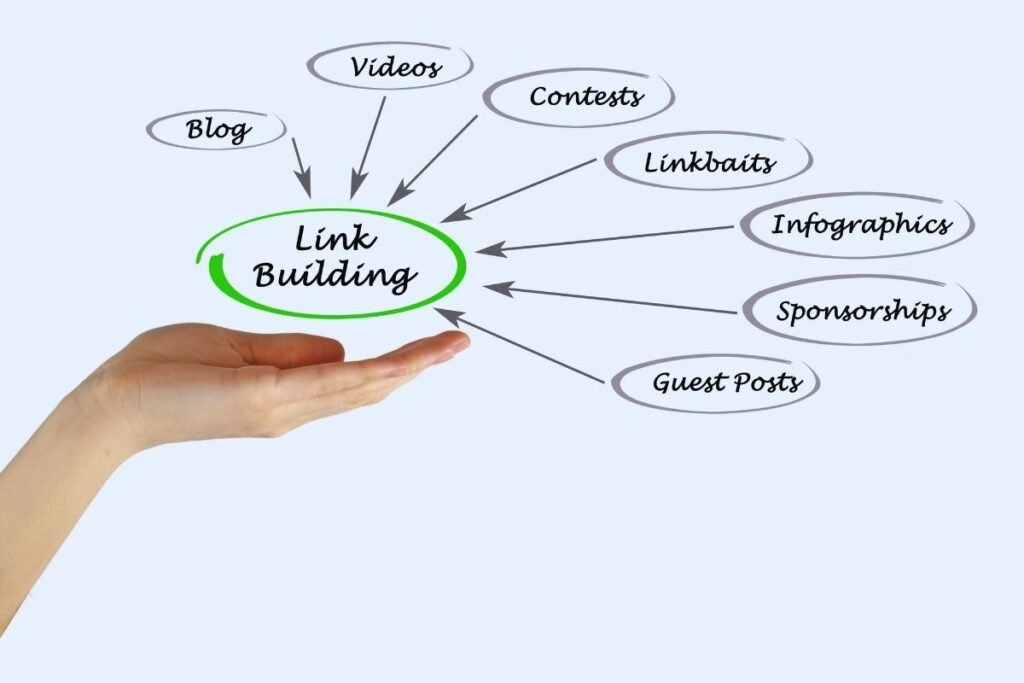
Why Every Page on Your Website Must Have Links
Every page on your website needs to include links. Pages without links trap both visitors and search engines in one spot. Your visitors cannot move to other areas of your site. Search engines like Google cannot explore and index your other pages either.
Understanding Dead-End Pages
Industry experts call pages without links “dead-end pages” for a reason. These pages provide no way out for anyone who arrives there. Both human visitors and search engine crawlers can enter these pages easily. However, they cannot exit by clicking on any links to continue browsing. According to Search Engine Journal, dead-end pages significantly harm your site’s crawlability and overall SEO performance.
Links Serve as Valuable Content
Think of links as an important type of website content. Just like text, images, and videos, links provide real value to your audience. They guide visitors toward pages that matter most to them. Links help visitors discover relevant information they might otherwise miss completely.
When you add strategic links, visitors spend more time exploring your site. Someone might click a link on your homepage to reach another page. Then they might click another link to discover even more useful content. This creates a smooth journey through your website that keeps people engaged. Professional SEO services can help you develop an effective internal linking strategy that maximizes user engagement.
Apply Links to All Page Types
You must add links to every type of page you create. Your homepage needs links to guide visitors to key sections. Category pages should connect users to specific products or articles within that topic. Lower-level subpages and blog posts also require links to related content. Whether you’re optimizing for ecommerce SEO or local SEO, proper link structure remains critical.
Make linking a standard practice across your entire website structure. However, remember to maintain balance when adding links to your pages. Using too many links on a single page can overwhelm your visitors. Focus on quality over quantity for the best results.

Understanding Google’s Link Count Guidelines
Google once recommended keeping pages under 100 links in total. This was not a strict rule that webmasters had to follow. Instead, Google’s official guidelines suggested using a sensible amount of links. The guideline recommended staying below 100 links as a best practice. Today, Google no longer enforces any specific link limit on pages. The company has updated its guidelines and removed this restriction entirely.
The Original Reason Behind the 100-Link Recommendation
Matt Cutts wrote a detailed blog post explaining Google’s original guideline. He revealed why Google suggested the under-100-links-per-page approach back then. Google’s crawling technology could only process the first 100KB of data. Every link on a page counted toward this technical indexing limit.
Google wanted to help webmasters ensure their pages got fully indexed. By keeping links under 100, webmasters could stay within the crawling capacity. This approach helped guarantee that search engines would see all page content. The Content Marketing Institute has documented how these early limitations shaped modern SEO best practices.
How Google’s Crawling Technology Has Evolved
Google’s crawler technology has improved significantly over the years. The bots can now process much more page data than before. They are no longer restricted to indexing just the first 100KB. This technical advancement changed everything for link recommendations on websites.
Because crawlers became more capable, Google removed the old recommendation from guidelines. Modern Google bots can handle pages with many more links effectively. Webmasters now have more flexibility when designing their page structure. The focus has shifted from arbitrary numbers to user experience quality. This evolution has influenced how Eclipse Marketing approaches modern SEO strategies for clients across various industries.
What Bing Says About Link Limits
Bing provides similar guidance about link usage on website pages. Bing’s official guidelines tell webmasters to use a reasonable link count. The search engine specifically states that pages should contain no more than several thousand links total. Search Engine Land regularly reports on Bing’s evolving webmaster guidelines and best practices.
Consequences of Exceeding Bing’s Link Recommendation
Going over Bing’s suggested link limit will not trigger a penalty. Your website will not get banned or removed from Bing’s search index. However, exceeding this threshold can still hurt your website’s performance significantly.
Pages with too many links may experience lower organic rankings on Bing. Your content might not appear as high in search results. This means fewer visitors will discover your pages through Bing searches. The negative impact on visibility can reduce your overall website traffic. For businesses in competitive industries like fashion or beauty industry , maintaining proper link structure becomes even more critical.
Following Bing’s Best Practices
You should aim to keep your links within Bing’s recommended range. A few thousand links is still quite generous for most pages. Most websites will never need to approach this upper limit anyway.
Focus on adding links that truly benefit your visitors and their experience. Quality links that provide value matter more than sheer quantity on pages. By following Bing’s guidelines, you protect your search rankings and maintain visibility. This balanced approach helps your website perform well across different search engines. Tools like Google PageSpeed Insights can help analyze your page’s performance including link structure.
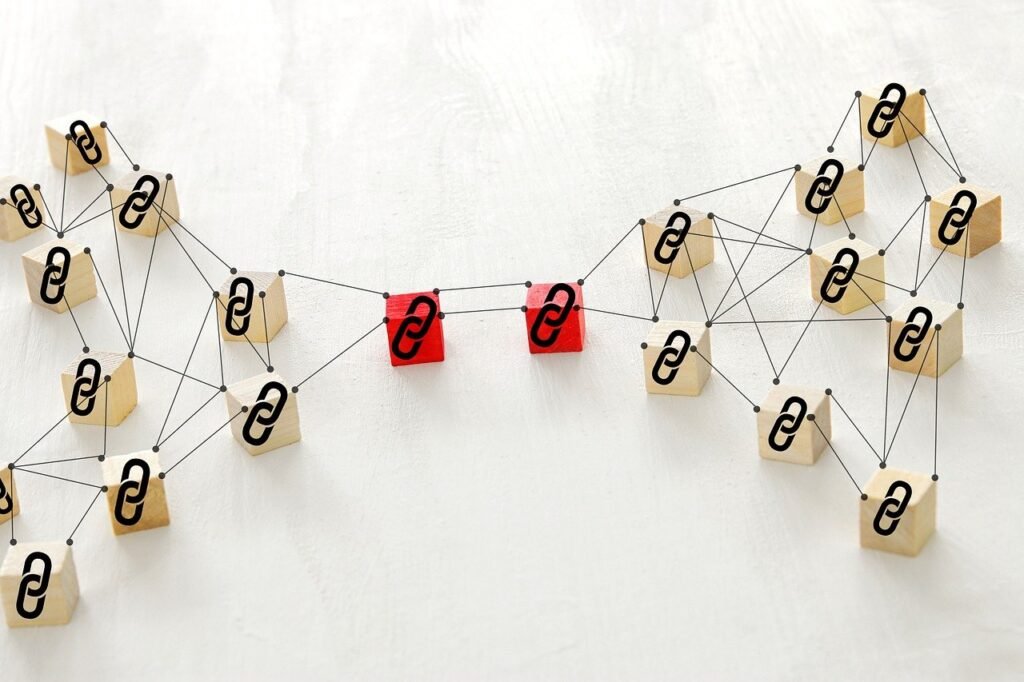
The Problems With Using Too Many Links
Why should you avoid cramming too many links onto your pages? Bing’s crawlers operate using the same basic principles as Google’s crawlers. These bots search for links on pages and follow them to find new content. When a page contains an excessive number of links, crawlers cannot follow them all. Search engine bots may only follow some links while skipping over others completely.
How Excessive Links Hurt Your Indexing
Search engine crawlers that skip links create a serious indexing problem. If a crawler doesn’t follow a link to a specific page, it may never index that page at all. Pages that don’t get indexed cannot appear in any search results whatsoever. These invisible pages will generate absolutely zero organic search traffic for your website.
You need to pay attention to your link count on every page. Being mindful of how many links you add helps ensure better indexing. When you use a reasonable number of links, more of your pages get discovered. Search engines can then properly index and rank those pages in results. This is particularly important for specialized services like WordPress SEO or Shopify SEO where every page needs proper visibility.
Understanding Link Authority Dilution
Too many links on one page weakens the authority they carry. Links transfer authority from the page they’re on to the pages they point toward. The page containing the link is called the source page in this relationship. The page receiving the link is known as the destination page. Research from MIT Technology Review confirms that link authority distribution remains a critical ranking factor.
Consider a page with thousands of outbound links going to different destinations. Its authority gets split among all those thousands of destination pages. Each destination page receives only a tiny fraction of authority from that link. The authority becomes so diluted that it provides almost no benefit.
Using fewer links produces much better results for authority transfer. Each destination page receives a more substantial amount of authority from the link. This concentrated authority helps those pages rank higher in search engine results. Modern AI SEO tools can help calculate optimal link distribution patterns.
Why Excessive Links Create a Spam Appearance
Another major problem with too many links is the spammy look it creates. Websites involved in spam tactics often display thousands of links on single pages. Some spam sites consist of almost nothing but links filling every available space. When you pack your pages with excessive links, visitors perceive your site as spam. This damages your credibility and trustworthiness with your audience right away. Professional web design focuses on creating clean, user-friendly layouts with appropriate link density.
The Maintenance Nightmare of Too Many Links
Managing pages with numerous links becomes incredibly difficult over time. Links can break and stop functioning properly without warning or notice. You might delete a destination page or change its URL structure later. When this happens, the link pointing to that page stops working correctly. The W3C Validator and other technical SEO tools can help identify broken links before they impact user experience.
Visitors can still click on broken links when they appear on pages. However, these clicks lead to frustrating 404 error pages instead of useful content. Fixing broken links across pages with hundreds of links requires enormous effort. The more links you have, the more time you spend on maintenance. This is why many businesses opt for monthly SEO services to maintain their link health.
The Danger of Too Many Outbound Links
Pages typically contain both internal links and outbound links on them. Both link types count toward your total link count on any page. Outbound links pose a particularly serious risk when used in excess numbers. The American Marketing Association recommends carefully balancing internal and external link ratios for optimal user retention.
Outbound links are clickable text or images pointing to external websites. These links literally send your visitors away from your site to competitors. Pages loaded with too many outbound links make visitor retention nearly impossible. Visitors click these external links and often never return to your website. This is especially problematic for niche markets like jewelry or cannabis where customer loyalty is essential.
Finding the Right Balance for Your Pages
No technical limit exists for how many links a page can hold. Different pages may legitimately need different numbers of links to function well. However, using too many links damages your SEO performance in multiple ways. Industry standards documented by Schema.org suggest focusing on semantic relevance over quantity.
For the majority of your pages, stay well below a few hundred links. This conservative approach protects your search rankings and user experience simultaneously. Focus on including only the most valuable and relevant links for visitors. Advanced techniques like ChatGPT SEO can help optimize your link placement strategy using data-driven insights and natural language processing.
Conclusion
Take control of your website’s link strategy starting today for better SEO results. Every page on your site needs links to function properly and rank well. However, balance remains the key to success in your linking approach. Avoid creating dead-end pages that trap visitors and search engine crawlers alike. At the same time, resist the urge to overload pages with excessive links.
Keep your link count reasonable to maintain strong search engine indexing capabilities. Focus on quality links that guide visitors to truly relevant content. This strategic approach helps your pages pass more authority to important destinations. It also keeps your site looking professional rather than spammy to visitors. Tools like Google Trends can help you identify which topics deserve the most internal linking priority.
Monitor your links regularly to catch and fix broken connections quickly. Remember that both internal and outbound links count toward your totals. Aim to stay well below a few hundred links per page. By following these practical guidelines, you’ll boost your organic rankings across all major search engines. Start optimizing your link structure now for maximum SEO impact. For comprehensive SEO support, consider working with experienced Google consultants who can audit and improve your site’s link architecture.
Frequently Asked Questions
What happens if my page has no links at all?
Pages without any links become dead-ends that trap both visitors and search engines. Visitors cannot navigate to other parts of your website from these pages. Search engine crawlers cannot discover or index your other pages either. This severely limits your site’s overall visibility and user experience quality.
Does Google still enforce the 100-link limit per page?
No, Google removed this recommendation from its official guidelines years ago. Modern Google crawlers can process much more page data than before. However, using a reasonable number of links still makes sense for user experience. Focus on quality and relevance rather than hitting any specific number target.
Will too many links get my site penalized by search engines?
Excessive links won’t trigger direct penalties from Google or Bing typically. However, too many links can lower your organic rankings significantly over time. Search engines may not crawl all your links, leading to indexing problems. Your pages will also appear spammy, which damages visitor trust and engagement.
How do outbound links affect my SEO differently than internal links?
Outbound links send visitors away from your site to external websites entirely. Too many outbound links make it hard to keep visitors engaged long-term. Internal links keep users on your site while distributing page authority effectively. Balance both types carefully, but be especially cautious with outbound link quantities.
What’s the ideal number of links I should use per page?
No single perfect number exists for every page on your website. Most pages perform best with fewer than a few hundred total links. Simple blog posts might need only 10-20 links for good user experience. Complex hub pages or resources might justify more links when truly necessary.

Mike has over 5 years of experience helping clients improve their business visibility on Google. He combines his love for teaching with his entrepreneurial spirit to develop innovative marketing strategies. Inspired by the big AI wave of 2023, Mike now focuses on staying updated with the latest AI tools and techniques. He is committed to using these advancements to deliver great results for his clients, keeping them ahead in the competitive online market.